Lab 3: Create an Evaluation Flow to define external system synchronization exit condition (Optional)
Overview
-
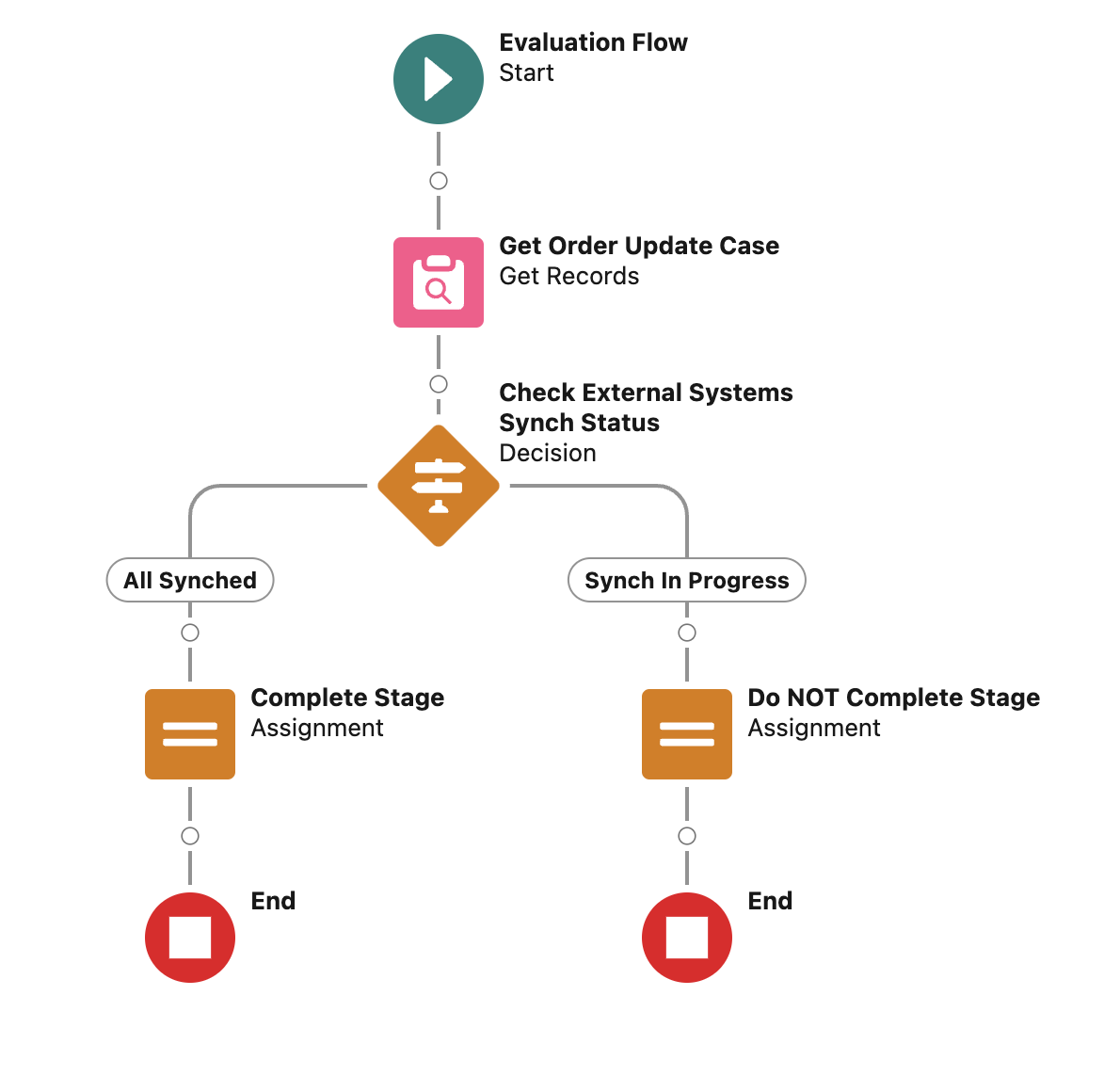
During this lab you will build the following Evaluation Flow.
Step 1: Create the Evaluation Flow
-
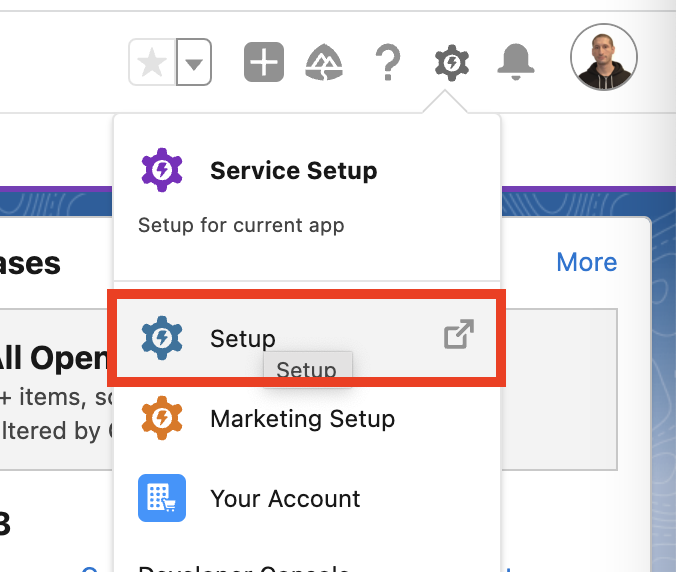
Login into the Salesforce Developer ORG and access the Setup menù.
-
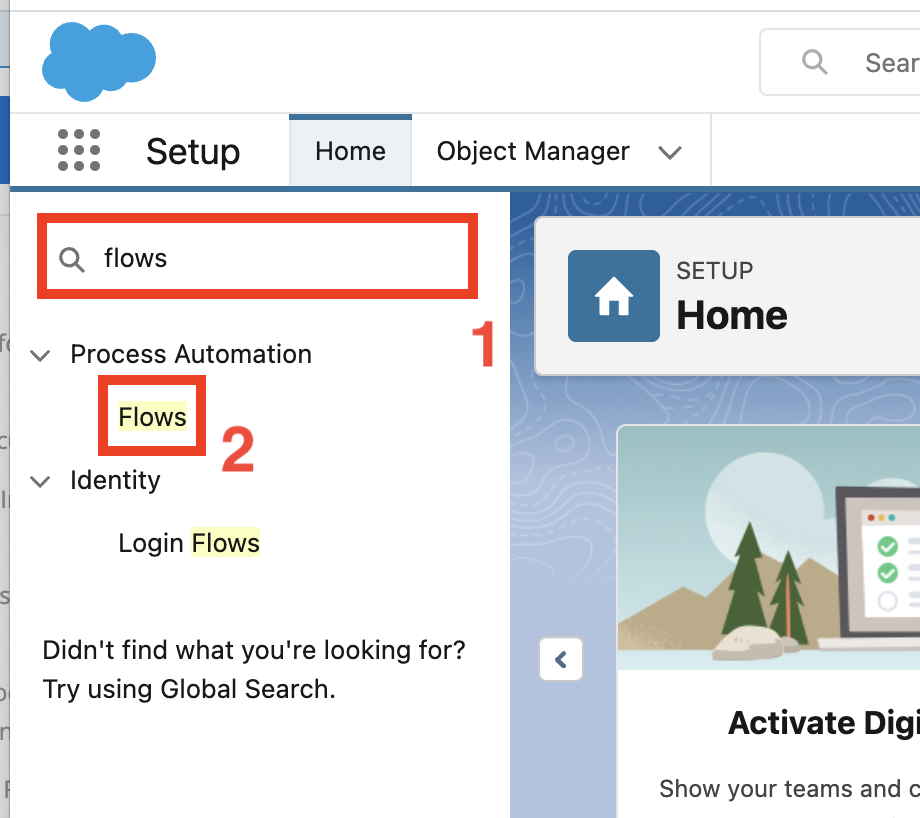
Search for Flows in the Quick Find text field and click Flows under Process Automation.
-
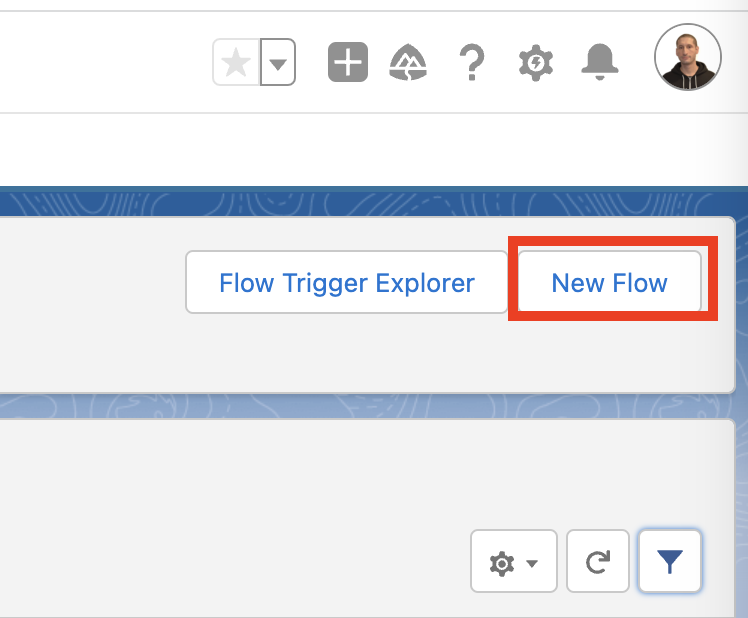
Click the New Flow button in the top right section.
-
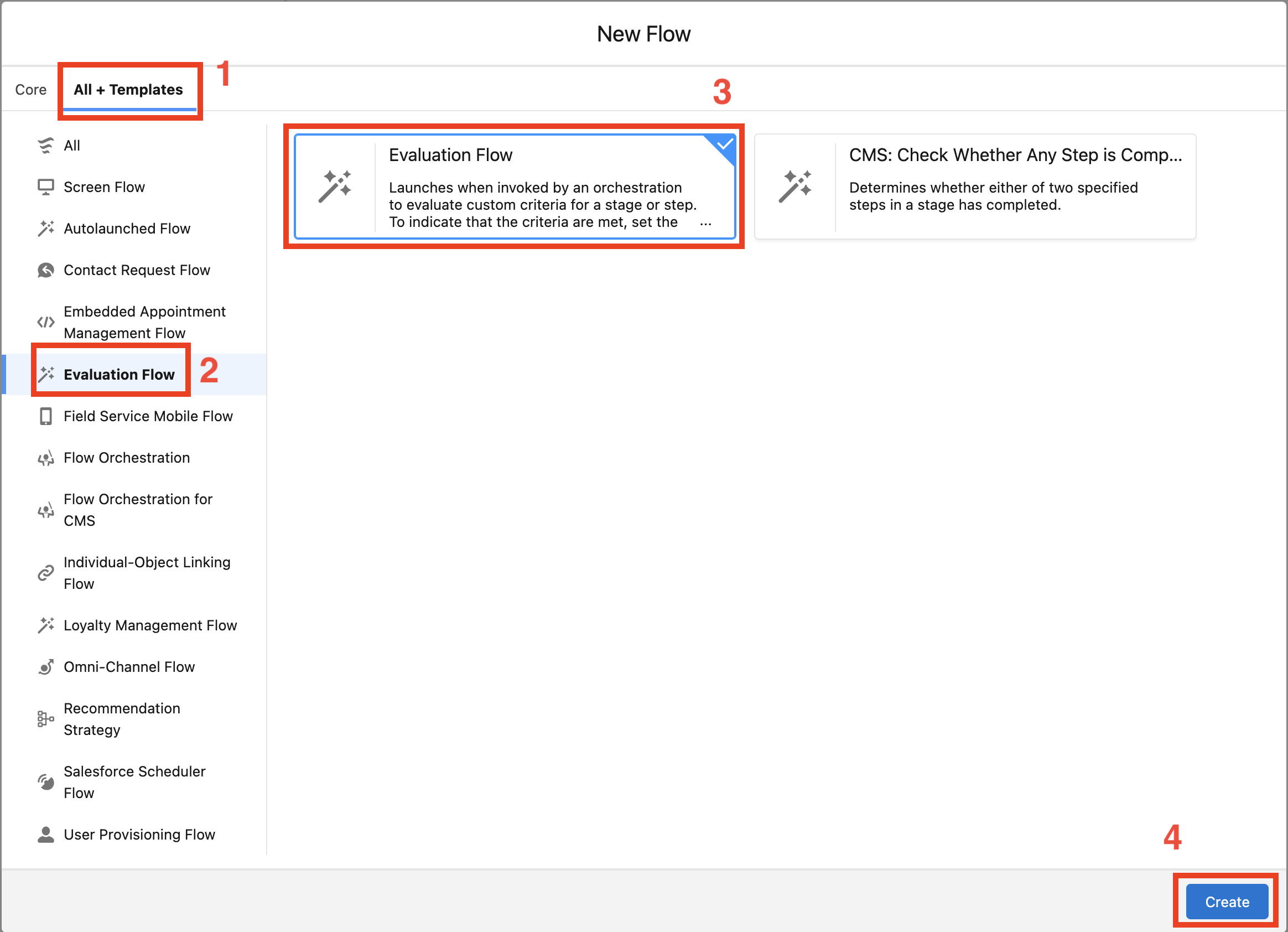
In the New Flow wizard select the All + Templates tab and click on Evaluation Flow in the left side panel.
Select Evaluation Flow as flow type and click Create.
Step 2: Add "Get Order Update Case" Get Records Flow Element
Step 3: Add "Check External Systems Synch Status" Decision Flow Element
Step 4: Add "Complete Stage" Assignment Flow Element
Step 5: Add "Do NOT Complete Stage" Assignment Flow Element
Step 7: Debug Autolaunched Flow
Submit your feedback!
Share your thoughts to help us build the best workshop experience for you!
Take our latest
survey!