Lab 3: Create an Evaluation Flow to define external system synchronization exit condition (Optional)
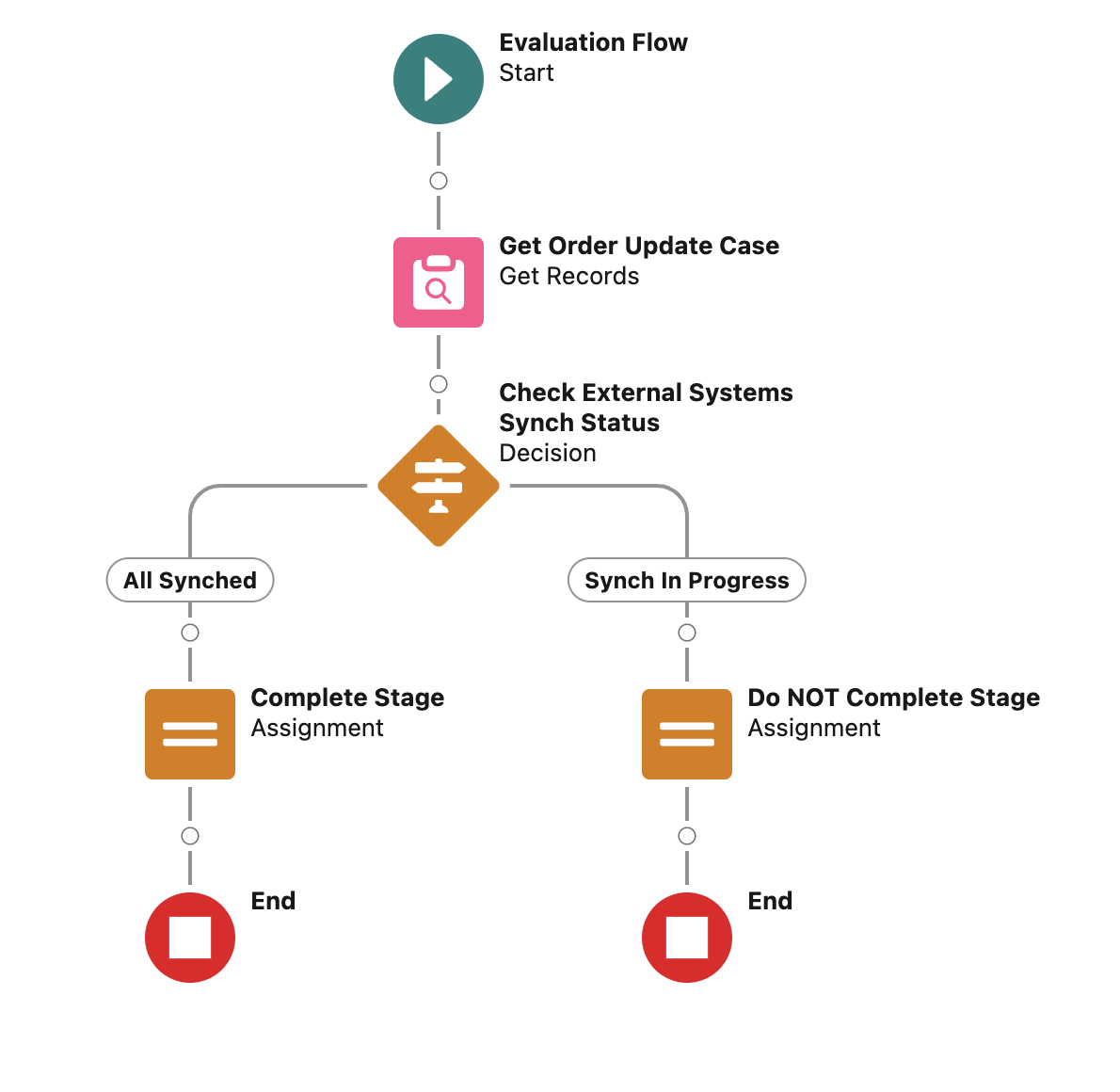
Step 1: Create the Evaluation Flow
-
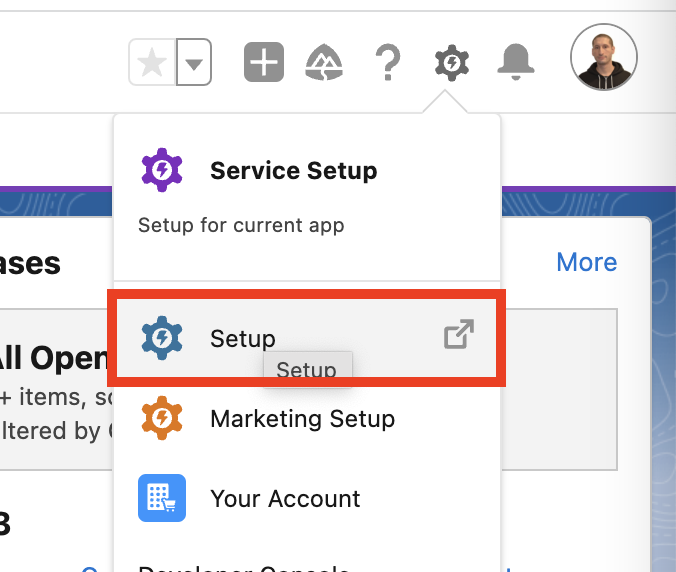
Login into the Salesforce Developer ORG and access the Setup menù.
-
Search for
Flowsin the Quick Find text field and clickFlowsunder Process Automation.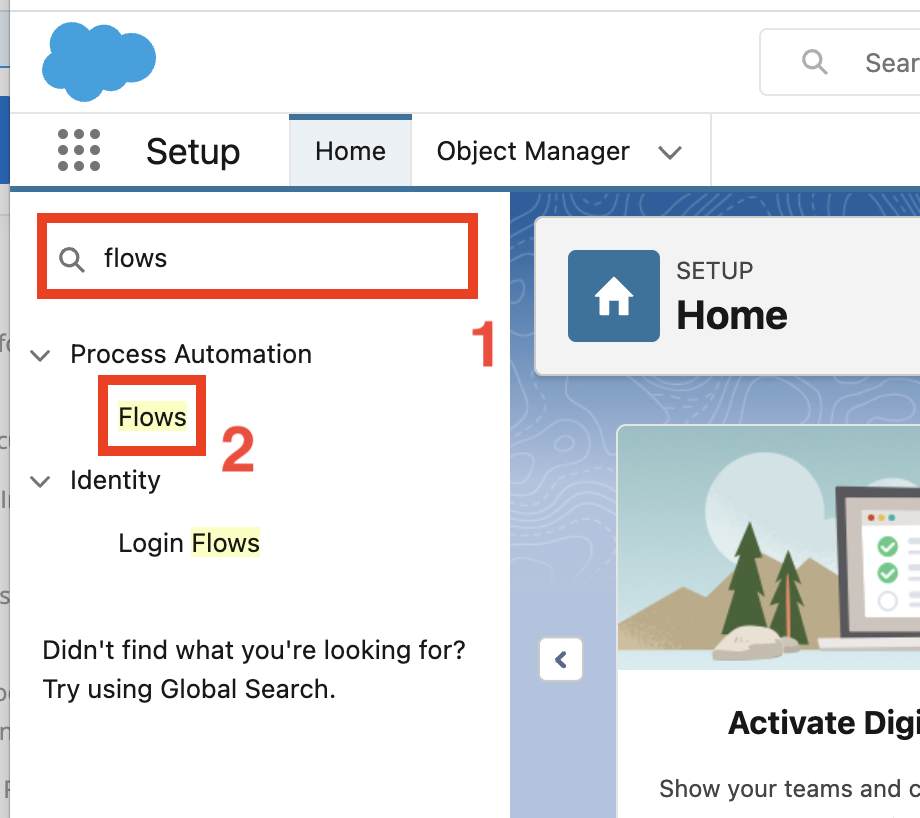
-
Click the
New Flowbutton in the top right section.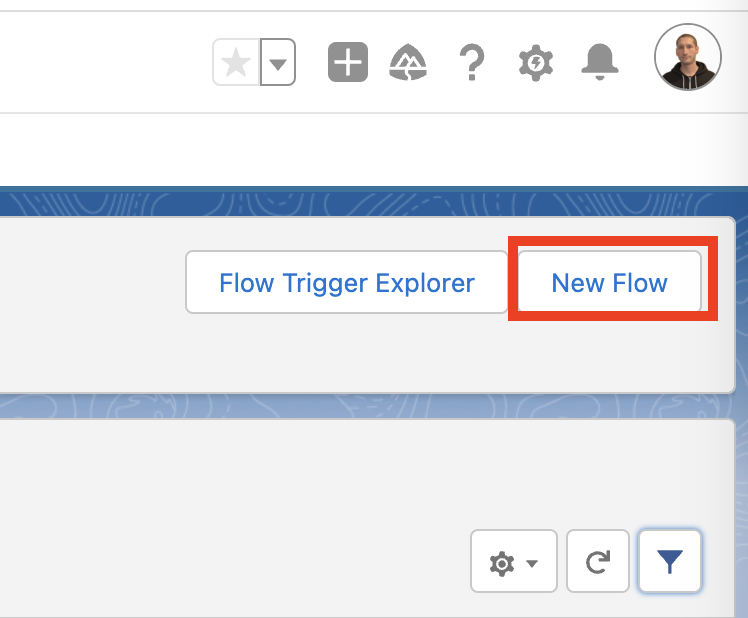
-
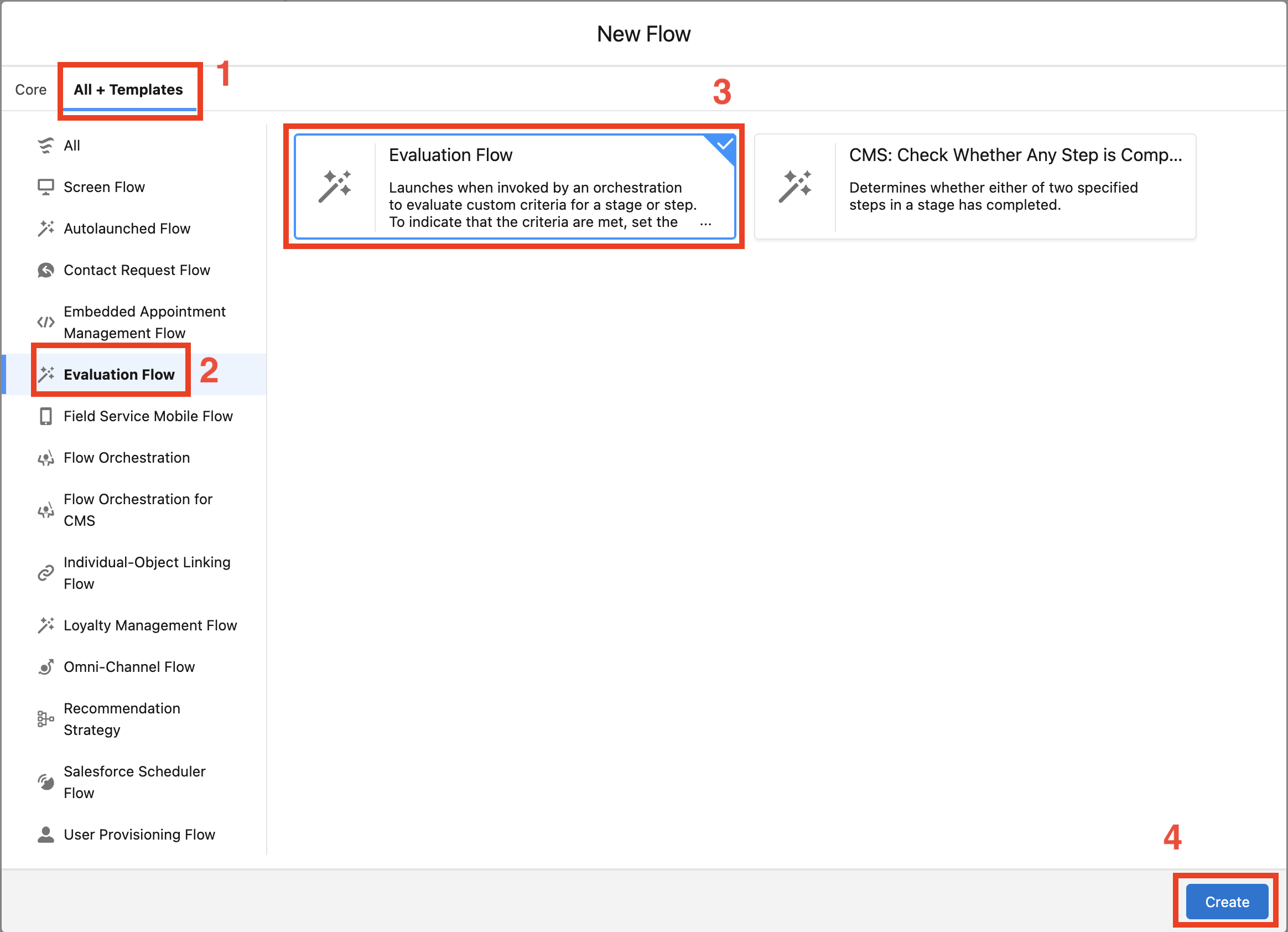
In the New Flow wizard select the
All + Templatestab and click onEvaluation Flowin the left side panel.Select
Evaluation Flowas flow type and clickCreate.